Failed Communications
Communication Management
This page describes the Failed tab in Communication Management. For an overview of all communication queues and general management features, see Communication Management Overview.
Overview
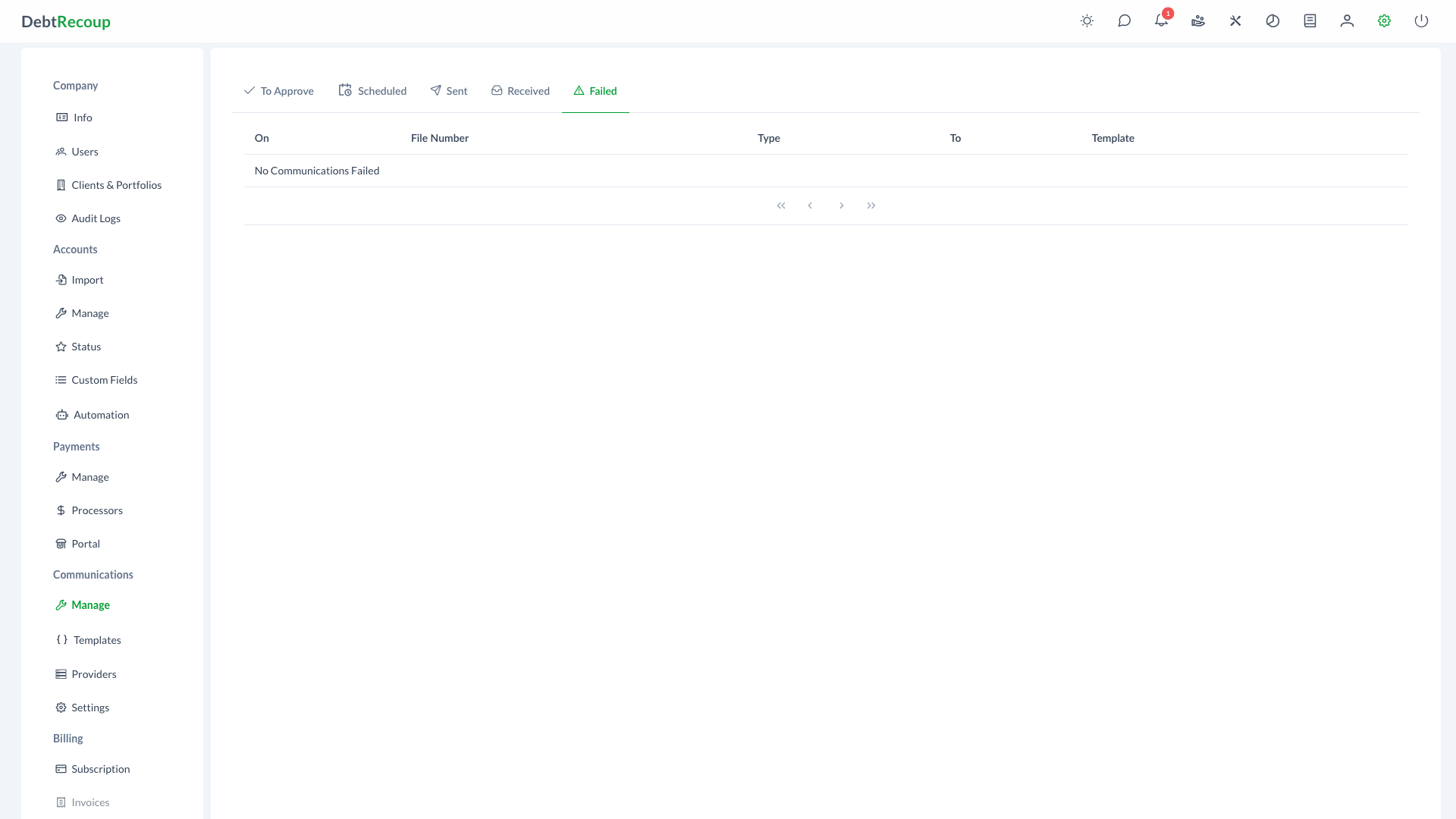
The Failed tab displays email, SMS, and MMS messages that were unable to be sent. Use this view to identify failed attempts and reopen a communication for retry.
Key Benefits
- Issue Identification: Quickly spot communications that failed to reach debtors
- Retry Capability: Edit and resend failed messages without recreating them from scratch
- Audit Trail: Maintain visibility into all communication attempts, including failures
- Quality Control: Identify patterns in delivery failures to improve contact data quality
Understanding Your Data
| Column | Description |
|---|---|
| On | The timestamp when the communication attempt was made |
| File Number | The account identifier associated with the communication |
| Collector | The assigned collector on the account, when available |
| Type | The communication channel (EMAIL, SMS, or MMS) |
| To | The recipient address (email address or phone number) |
| Template | The communication template that was used for the message |
Using This Feature
Identifying Failed Communications
- Open Administration
- In the Communications section, select Manage
- Select the Failed tab
- Use pagination controls to browse through records
- Note the recipient information and template used for each failed attempt
Retrying Failed Communications
- Locate the failed communication you want to retry
- Click the refresh icon (View & Retry) in the actions column to open the Communication Dialog
- Review the communication details and make any necessary edits:
- Verify the recipient address is correct
- Update the message content if needed
- Confirm the template selection
- Click Resend or Resend Now to retry the communication immediately, or Reschedule when the selected schedule date is in the future
Error Message
The dialog displays the original error message in a red banner, helping you understand why the communication failed before retrying.
Best Practices
- Review Regularly: Check the failed communications list daily to ensure timely follow-up
- Update Contact Information: When you identify invalid addresses, update the debtor's contact information in their account
- Identify Patterns: If multiple communications to the same recipient fail, investigate the contact data quality
- Document Issues: Note any recurring delivery problems for accounts to inform future communication strategies
- Verify Before Retry: Always verify the recipient information is correct before attempting to resend
Related Topics
- Communication Management Overview - Dashboard and general communication management
- To Approve Communications - Review and approve pending communications
- Scheduled Communications - View communications waiting to be sent
- Sent Communications - Review successfully delivered messages
- Email Templates - Configure message templates