Payment Processors
Payment Processors configuration lets authorized users manage the credit-card gateways and manual/offline processors used by DebtRecoup payment methods.
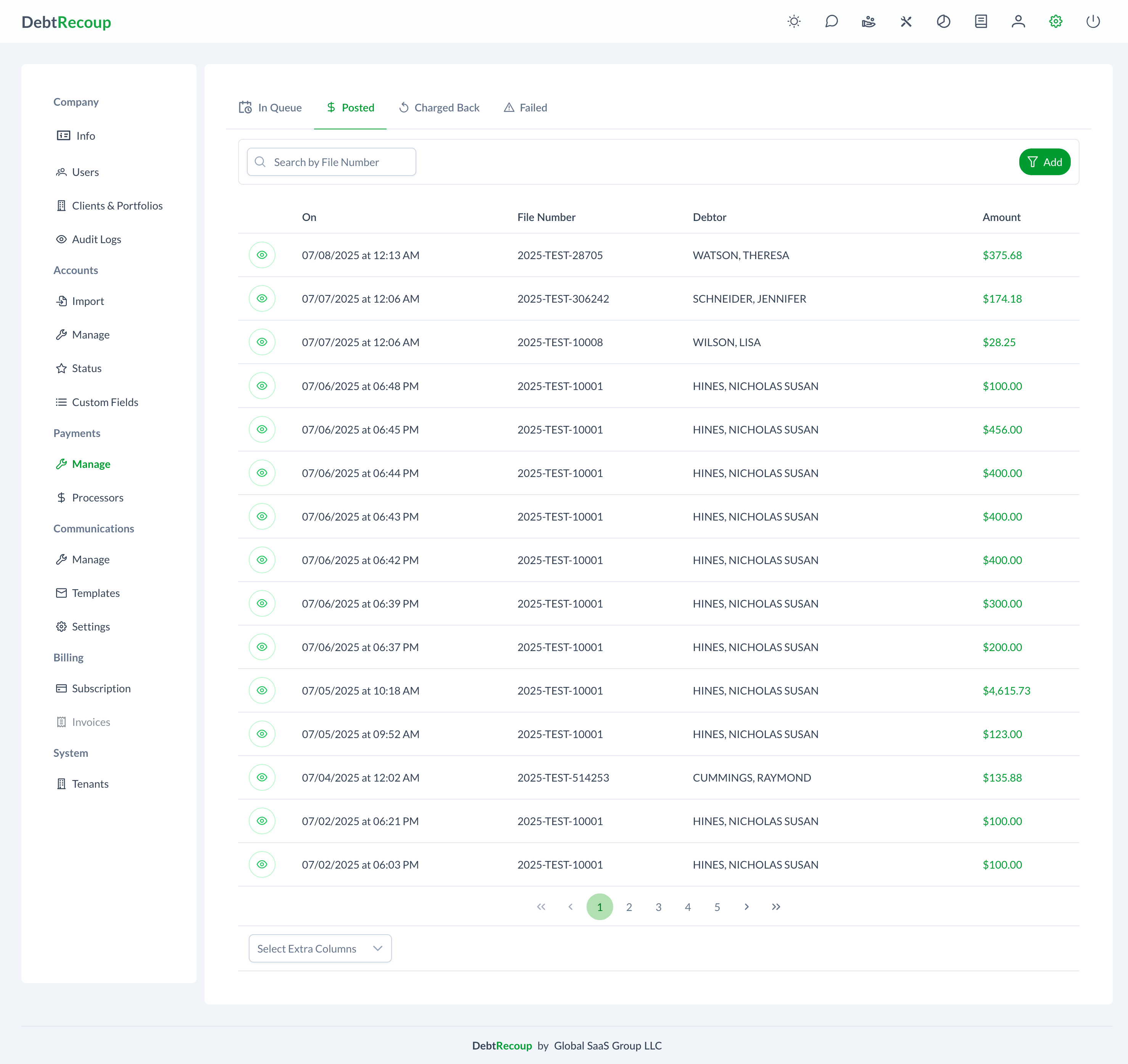
Accessing Payment Processors
- Navigate to Administrator in the main menu
- Under Payments, select Processors
Supported Processors
DebtRecoup supports the following payment processors:
| Processor | Type | Description |
|---|---|---|
| DebtRecoup | Manual | Built-in processor for tracking manual/offline payments |
| USAePay | Credit card | Electronic payment gateway |
| authorize.net | Credit card | Electronic payment gateway |
| NMI | Credit card | Electronic payment gateway |
Adding a Processor
- Click Add
- Select the processor Type. New processors default to USAePay.
- Enter a Name
- Enter the type-specific credentials
- Select Who can add Payment Methods?
- Click Add
If this is the first processor configured for the tenant, DebtRecoup marks it as the default processor automatically.
USAePay Configuration
| Field | Description |
|---|---|
| Name | Display name for this processor |
| API Key | Your USAePay API key |
| API Pin | Your USAePay API pin |
| Who can add Payment Methods? | Minimum role allowed to add payment methods using this processor |
authorize.net Configuration
| Field | Description |
|---|---|
| Name | Display name for this processor |
| API Login Id | Your authorize.net API login ID |
| Transaction Key | Your authorize.net transaction key |
| Who can add Payment Methods? | Minimum role allowed to add payment methods using this processor |
NMI Configuration
| Field | Description |
|---|---|
| Name | Display name for this processor |
| API Key | Your NMI API key |
| Who can add Payment Methods? | Minimum role allowed to add payment methods using this processor |
DebtRecoup Manual Configuration
The DebtRecoup processor supports manual/offline payment methods such as cash, money orders, and checks. No external gateway credentials are required.
| Field | Description |
|---|---|
| Name | Display name for manual processing |
| Who can add Payment Methods? | Minimum role allowed to add manual payment methods |
Setting the Default Processor
One processor can be designated as the default for new payment methods.
- Find the processor you want to make default
- Click Set as Default
- Confirm the Set As Default dialog
The processor displays a Default badge after the change.
Editing a Processor
- Click the Edit button (pencil icon) on the processor
- Update the credentials as needed
- Click Save
The processor Type is locked after creation. Add a new processor if you need a different type.
Credential Security
Only Supervisor-or-higher users can add or edit processors. Sensitive gateway fields use password-style controls in the interface, and lower-role API responses hide credential values.
Role Gate
The Who can add Payment Methods? field controls the minimum user role that can create payment methods with that processor. The selected role appears as a tag on each processor card.
Available role gates are Everyone, Managers or above, Supervisors or above, and Only Administrators.
Troubleshooting Gateway Processors
- Verify your API credentials are correct
- Check that your processor account is active
- Verify the payment method details
- Review decline codes from the processor
Related Documentation
- Manage Payments - Payment transaction management
- Payment Processing - Collector payment entry
- Payment Queue - Queued payments