Sent Communications
Communication Management
This page describes the Sent tab in Communication Management. For an overview of all communication queues and general management features, see Communication Management Overview.
Overview
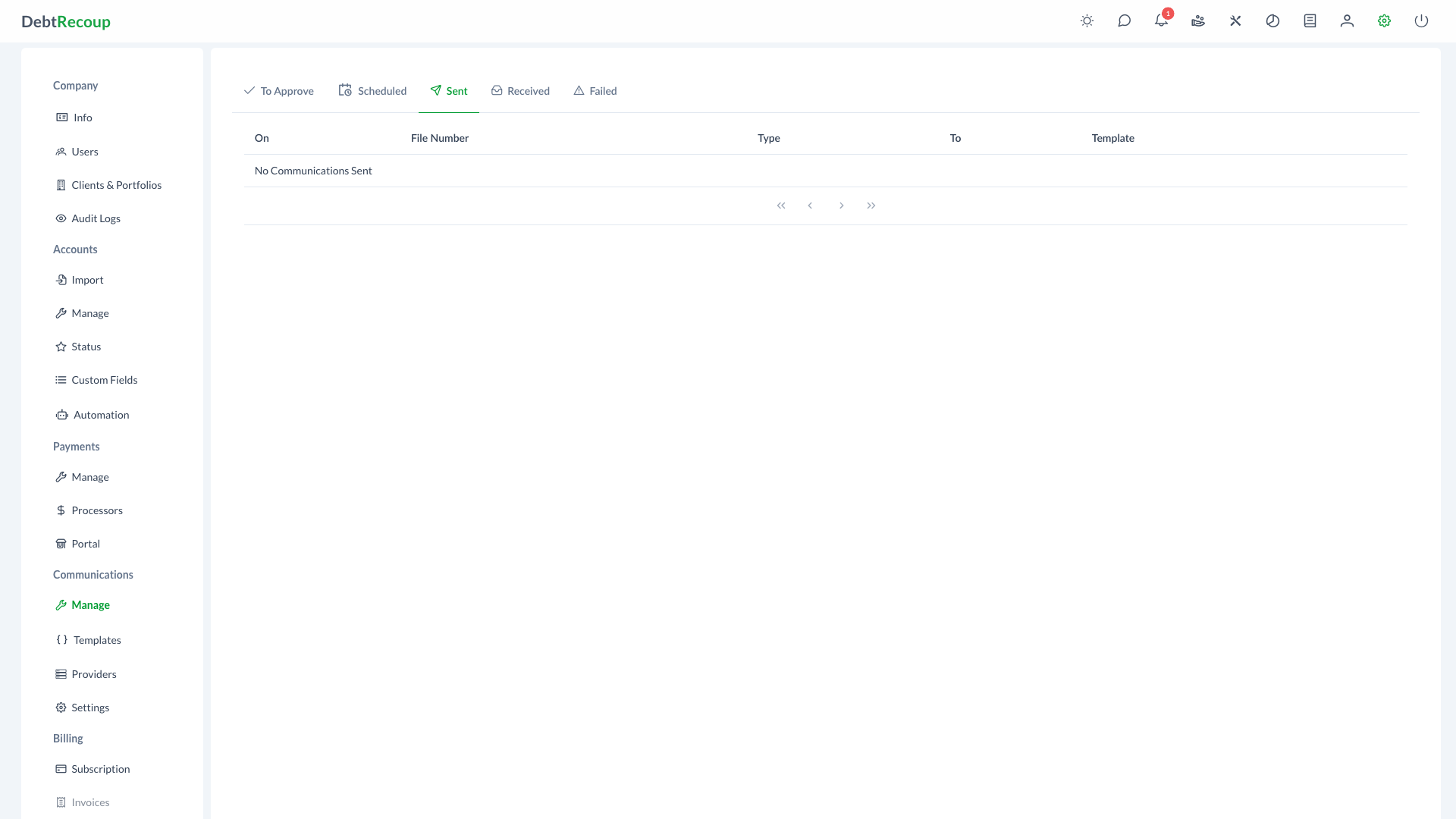
The Sent tab displays email, SMS, and MMS messages that have been sent to debtors. This interface provides a historical record of outbound communications and lets you preview the content that was sent.
Key Benefits
- Delivery Confirmation: Verify that communications have been successfully sent to debtors
- Audit Trail: Maintain a complete historical record of all outbound messages for compliance and reporting
- Content Review: Preview the exact message content that was delivered to each recipient
- Quick Navigation: Access associated accounts directly from the communication record
Understanding Your Data
| Column | Description |
|---|---|
| On | The date and time when the communication was successfully delivered |
| File Number | The account identifier associated with the communication (clickable to navigate to account) |
| Collector | The assigned collector on the account, when available |
| Type | The communication channel used (EMAIL, SMS, or MMS) |
| To | The recipient email address or phone number |
| Template | The name of the message template used, or "Custom Message" for manually composed communications |
Using This Feature
Viewing Sent Communications
- Open Administration
- In the Communications section, select Manage
- Select the Sent tab
- Use pagination controls to navigate through results
Previewing a Communication
- Locate the communication you want to review in the list
- Click the eye icon in the actions column
- Review the full message content as it was delivered to the recipient
- Close the preview when finished
Navigating to Account Details
- Find the communication in the list
- Click the File Number link in the corresponding row
- The system navigates to the full account details page for context and follow-up actions
Best Practices
Verify Delivery Success
After sending important communications, check the Sent Communications page to confirm delivery. Communications that fail to deliver will appear in the Failed Communications queue instead.
Use for Compliance Documentation
The Sent Communications log serves as your audit trail for regulatory compliance. When responding to consumer disputes or regulatory inquiries, use this page to document exactly what was communicated and when.
Monitor Communication Patterns
Regularly review sent communications to identify patterns in your outbound messaging. This helps ensure consistent communication practices and appropriate contact frequency with debtors.
Related Topics
- Communication Management Overview - Dashboard and general communication management
- To Approve Communications - Review and approve pending communications
- Scheduled Communications - View communications waiting to be sent
- Failed Communications - Review and retry failed delivery attempts
- Received Communications - View inbound messages
- Email Templates - Manage your email templates
- Text Templates - Manage SMS and MMS templates