Failed Payments
Payment Management
This page describes declined payments in Payment Management. For an overview of the payment status KPI buttons and common actions, see Manage Payments.
Overview
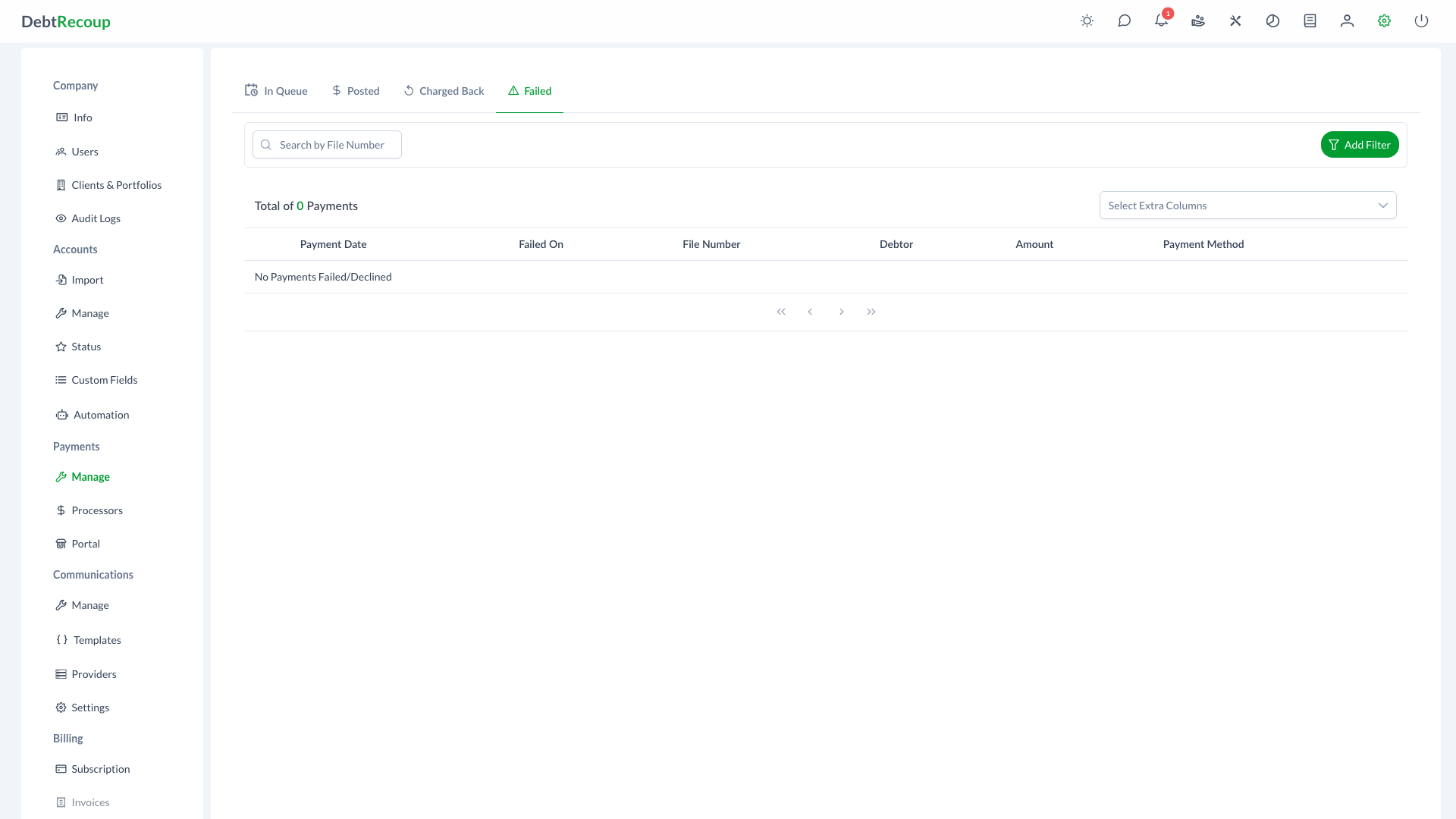
The Failed Payments page displays all payment transactions that failed during processing. This centralized view allows you to quickly identify payment failures, understand the reasons for failure, and take appropriate action to retry or resolve payment issues.
Key Benefits
- Immediate Visibility: Quickly identify payments that failed to process successfully
- Retry Capability: Edit and reprocess failed payments without re-entering all information
- Issue Resolution: Access detailed information to diagnose and address payment problems
- Revenue Recovery: Minimize lost revenue by promptly addressing failed payment attempts
- Audit Compliance: Maintain complete records of all payment attempts including failures
Understanding Your Data
| Column | Description |
|---|---|
| Payment Date | The original date the payment was scheduled or attempted |
| Failed On | The date and time when the payment failed |
| File Number | The account identifier associated with the payment (clickable to view account) |
| Collector | Collector assigned to the account |
| Debtor | The name of the debtor on the account |
| Amount | The payment amount that failed (displayed in red) |
| Payment Method | The saved method label used for the failed payment |
| Client | The client associated with the account (optional column) |
| Portfolio | The portfolio the account belongs to (optional column) |
| Current Balance | The current outstanding balance on the account (optional column) |
| Payor Name | The name of the person who made the payment if different from debtor (optional column) |
Using This Feature
Accessing Failed Payments
- Open Management from the top navigation
- Select the Payments tab
- Select the Declined KPI button
- The list displays all declined payments with pagination (100 rows per page)
Identifying Failed Payments
- Review the list sorted by the most recent failures
- Note the Failed On timestamp to understand when the failure occurred
- Check the Payment Method to identify the type of transaction that failed
- Click the File Number to access the full account for additional context
Retrying Failed Payments
- Locate the failed payment you want to retry
- Click the pencil icon in the actions column to open the Payment Dialog
- Review the payment details and make any necessary corrections:
- Verify payment method information is accurate
- Confirm the amount is correct
- Update payment method if the original is no longer valid
- Click Retry when that action is available to reprocess the payment
Use Save when you only need to update the failed payment details without retrying immediately.
Resolving Payment Issues
- Review the failure reason if available in the payment details
- Contact the debtor to obtain updated payment information if needed
- Update the payment method on file before retrying
- Document any communication with the debtor regarding the failed payment
- Set appropriate follow-up tasks if the payment cannot be immediately resolved
Best Practices
- Review Daily: Check the failed payments list at the start of each business day to address failures promptly
- Act Quickly: Contact debtors about failed payments within 24-48 hours while the payment attempt is still fresh
- Update Records: When you obtain new payment information, update the debtor's payment methods on file immediately
- Document Everything: Add notes to the account documenting the failure reason and any follow-up actions taken
- Identify Patterns: If the same debtor has multiple failures, consider alternative payment arrangements
- Verify Before Retry: Always confirm payment details are correct before attempting to reprocess
- Schedule Appropriately: When retrying, consider timing (e.g., after payday) to improve success rates
- Use Alternative Methods: If one payment method consistently fails, suggest alternative payment options to the debtor
Related Topics
- Manage Payments - Overview of payment status KPI buttons and common actions
- Payment Queue - Manage payments waiting to be processed
- Posted Payments - View successfully processed payments
- Charged Back - Track reversed payments
- Payment Processors - Configure payment gateway settings
- Payment Processing - Process payments on accounts
- Payment Portal - Self-service payment portal for debtors