Received Communications
Communication Management
This page describes the Received tab in Communication Management. For an overview of all communication queues and general management features, see Communication Management Overview.
Overview
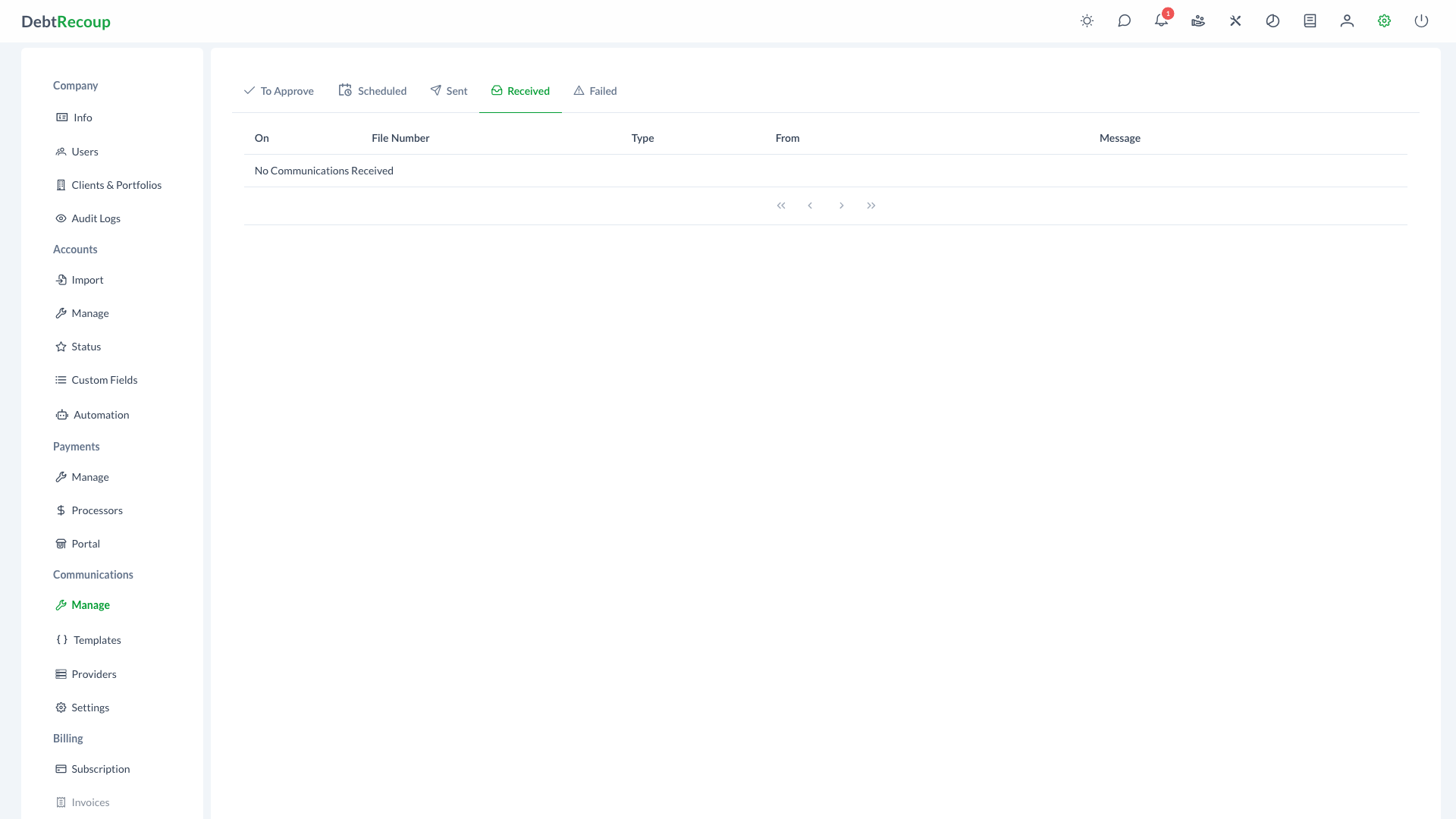
The Received tab displays inbound debtor messages, primarily SMS replies. Administrators can view received content and start a reply from the associated account.
The interface filters to communications with RECEIVED status and displays them in a paginated table.
Key Benefits
Centralized Inbox
- Single location for all inbound communications
- Quick access to debtor responses
- Organized view of message history
- Streamlined communication workflow
Rapid Response Capability
- One-click reply functionality
- Direct link to associated accounts
- Message content preview
- Timestamp visibility for prioritization
Compliance Support
- Complete communication audit trail
- Message content preservation
- Timestamp documentation
- Linked account tracking
Understanding Your Data
| Column | Description |
|---|---|
| On | Timestamp when the message was received, displayed in local time format |
| File Number | The account file number associated with the inbound message |
| Collector | The assigned collector on the account, when available |
| Type | Communication type indicator, usually SMS for inbound text messages |
| From | The sender's phone number or identifier |
| Message | The message content, rendered with HTML formatting support |
Using This Feature
Accessing Received Communications
- Open Administration
- In the Communications section, select Manage
- Select the Received tab
Viewing Inbound Messages
The interface displays received communications in a paginated table.
Viewing Message Details
- Locate the message in the list
- Click the eye icon in the actions column
- Review the full message content and metadata
- Close the viewer when finished
Navigating Results
- Use pagination controls to browse through messages
- Page through results to find older communications
Replying to Messages
Respond directly to debtor messages without leaving the interface.
Sending a Reply
- Find the message requiring a response
- Click the reply icon in the actions column
- The Communication Dialog opens with SMS type pre-selected
- Compose your response message
- Review the content for compliance
- Send or schedule the reply from the Communication Dialog
Reply Best Practices
- Respond promptly to debtor inquiries
- Maintain professional tone
- Include required disclosures
- Document any agreements or commitments
- Follow frequency limits
Best Practices
Message Monitoring
- Regular Checks: Review received communications multiple times daily
- Prioritization: Address urgent inquiries first (disputes, hardship claims)
- Response Time: Aim to respond within business hours when possible
- Escalation: Forward complex issues to appropriate personnel
Compliance Considerations
- Documentation: Ensure all responses are properly logged
- Time Restrictions: Send replies only during permitted hours
- Content Review: Verify compliance language before sending
- Opt-Out Handling: Process stop requests immediately
Communication Quality
- Professional Tone: Maintain courteous and helpful responses
- Accurate Information: Verify account details before responding
- Clear Instructions: Provide specific next steps when applicable
- Follow-Up: Schedule callbacks or additional contact as needed
Related Topics
- Communication Management Overview - Dashboard and general communication management
- To Approve Communications - Review and approve outbound communications
- Sent Communications - View outbound delivery history
- Communication Settings - SMS and email configuration
- Email Templates - Template management
- Email Communication - Outbound communication features
- Audit Logs - Communication tracking and history