Scheduled Communications
Communication Management
This page describes the Scheduled tab in Communication Management. For an overview of all communication queues and general management features, see Communication Management Overview.
Overview
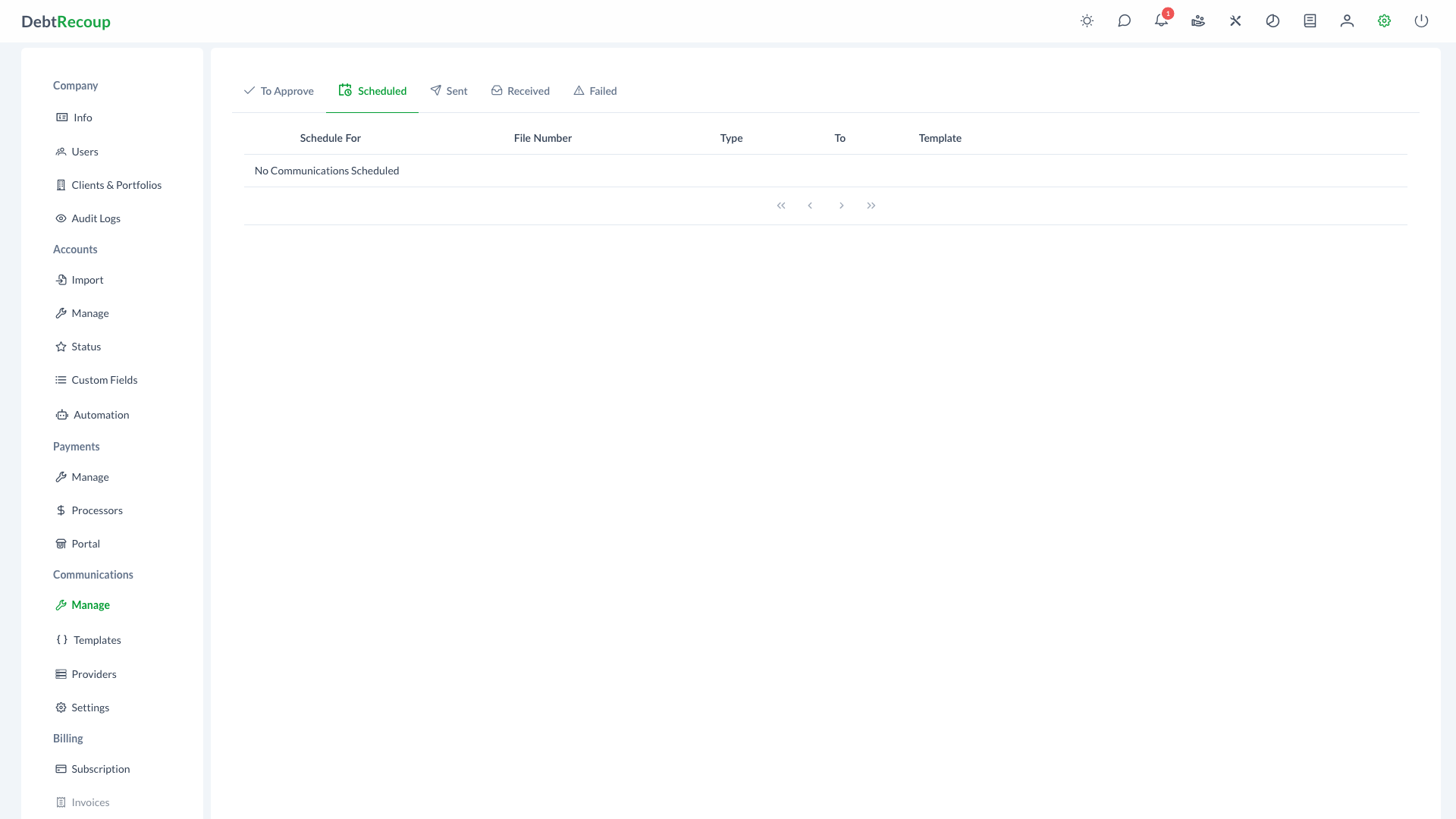
The Scheduled tab displays email, SMS, and MMS messages queued for future delivery. Administrators can edit, preview, or delete scheduled communications before they are sent.
Key Benefits
- Proactive Management: Review and adjust scheduled messages before they reach debtors, ensuring accuracy and appropriate timing
- Error Prevention: Catch and correct mistakes in recipient information or message content before delivery
- Scheduling Flexibility: Edit delivery dates or delete communications that are no longer needed
Understanding Your Data
| Field | Description | How to Use It |
|---|---|---|
| Schedule For | The date and time the communication is set to be sent | Monitor upcoming sends and identify any that need rescheduling |
| File Number | The account identifier associated with the communication | Click to navigate to the account details for context |
| Collector | The assigned collector on the account, when available | Identify who owns the account relationship |
| Type | The communication channel (EMAIL, SMS, or MMS) | Review the delivery channel |
| To | The recipient email address or phone number | Verify correct contact information before sending |
| Template | The name of the message template being used | Confirm the appropriate template is selected for the communication |
Using This Feature
Viewing Scheduled Communications
- Open Administration
- In the Communications section, select Manage
- Select the Scheduled tab
- Use pagination controls to navigate through results
Editing Scheduled Communications
- Locate the communication you want to modify in the list
- Click the Edit action button in the row
- Update the scheduled date, recipient, provider, template, or message content as needed
- Save your changes to update the scheduled communication
Previewing Messages
- Find the communication you want to review
- Click the eye icon
- Review the full message content as it will appear to the recipient
- Close the preview when finished
Deleting Scheduled Communications
- Locate the communication you want to cancel
- Click the trash icon
- Confirm the deletion when prompted
- The communication will be removed from the queue and will not be sent
Best Practices
Review Scheduled Communications Daily
Make it a habit to review your scheduled communications queue each morning. This allows you to catch any issues before messages are sent and ensures your outbound communications remain accurate and timely.
Verify Contact Information
Before a large batch of communications goes out, spot-check the recipient information in the "To" column. Incorrect email addresses or phone numbers will result in failed deliveries and missed collection opportunities.
Related Topics
- Communication Management Overview - Dashboard and general communication management
- To Approve Communications - Review and approve pending communications
- Sent Communications - View delivery history
- Failed Communications - Handle delivery errors
- Email Templates - Manage email templates
- Text Templates - Manage SMS and MMS templates
- Automation - Configure automatic communication scheduling