Skips
Overview
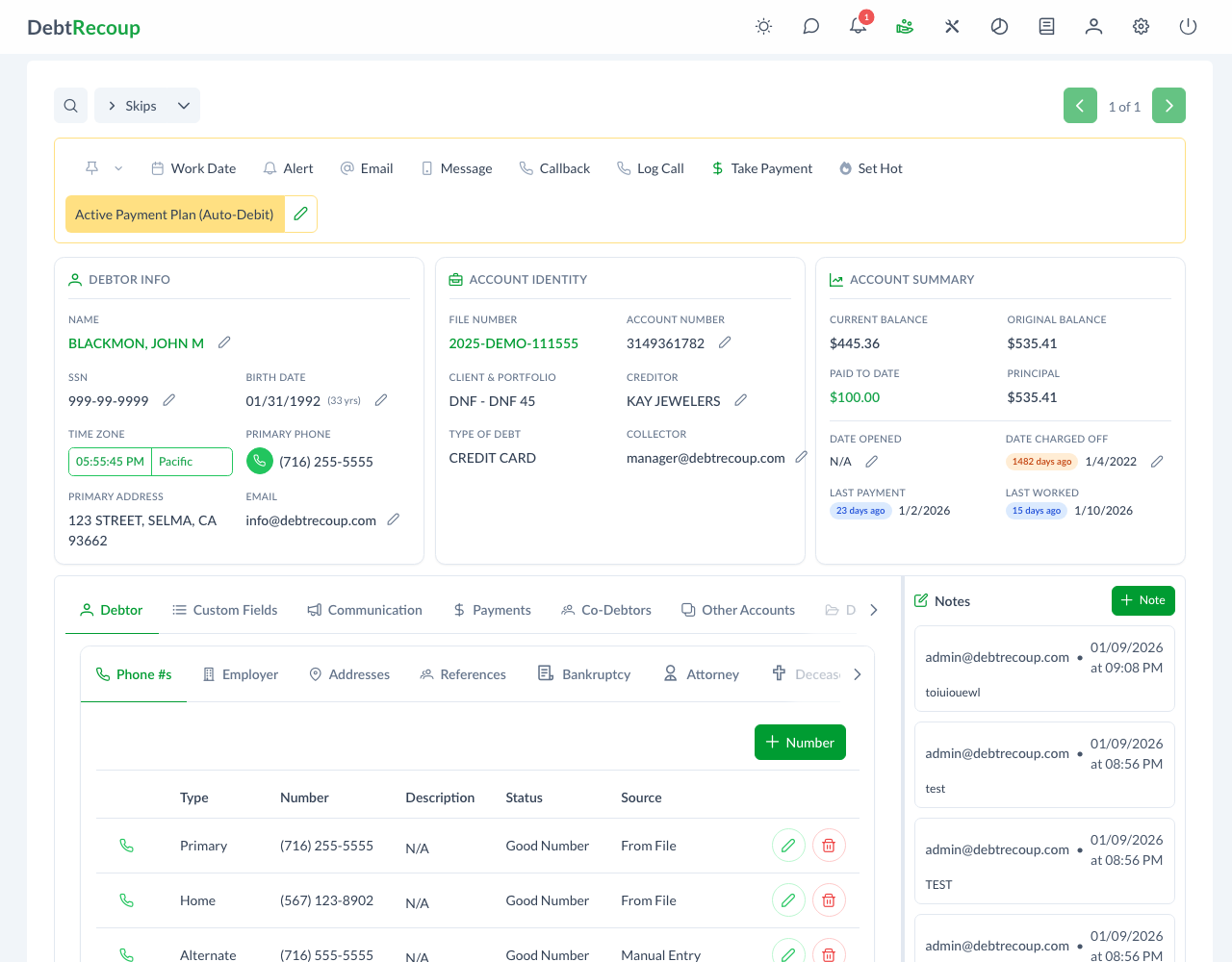
The Skips view identifies accounts that have been marked as Skip accounts. These accounts usually need skip tracing: finding updated contact information when the current phone, address, or email details are not enough.
Accessing Skips
To view accounts marked as Skips:
- Open the account-list view selector
- Select Skips
- The account list filters to accounts whose account type is Skip
What Makes an Account a "Skip"
An account is usually marked as a skip when:
- All known phone numbers are disconnected or wrong
- Mail has been returned as undeliverable
- The debtor cannot be reached at known addresses
- Contact information is outdated or invalid
Working Skip Accounts
When you identify an account that needs skip tracing:
- Open the account
- Use the toolbar status menu
- Select Set as Skip
- Confirm the prompt
- The account appears in the Skips view
If the account is already in Skips, the same toolbar action changes to Remove From Skips.
After marking the account:
- Use skip tracing services or internal research to locate new contact information
- Update the debtor's phone numbers, addresses, email, or related details
- Remove the skip designation once valid contact information is available
Best Practices
- Document all failed contact attempts before marking as skip
- Note which numbers/addresses have been tried
- Update accounts promptly when new information is found
- Prioritize high-balance skip accounts
Related Topics
- Good Numbers - Accounts marked as good-number accounts
- Account Management - Managing account information
- All Accounts - Complete account list