Tenant Management
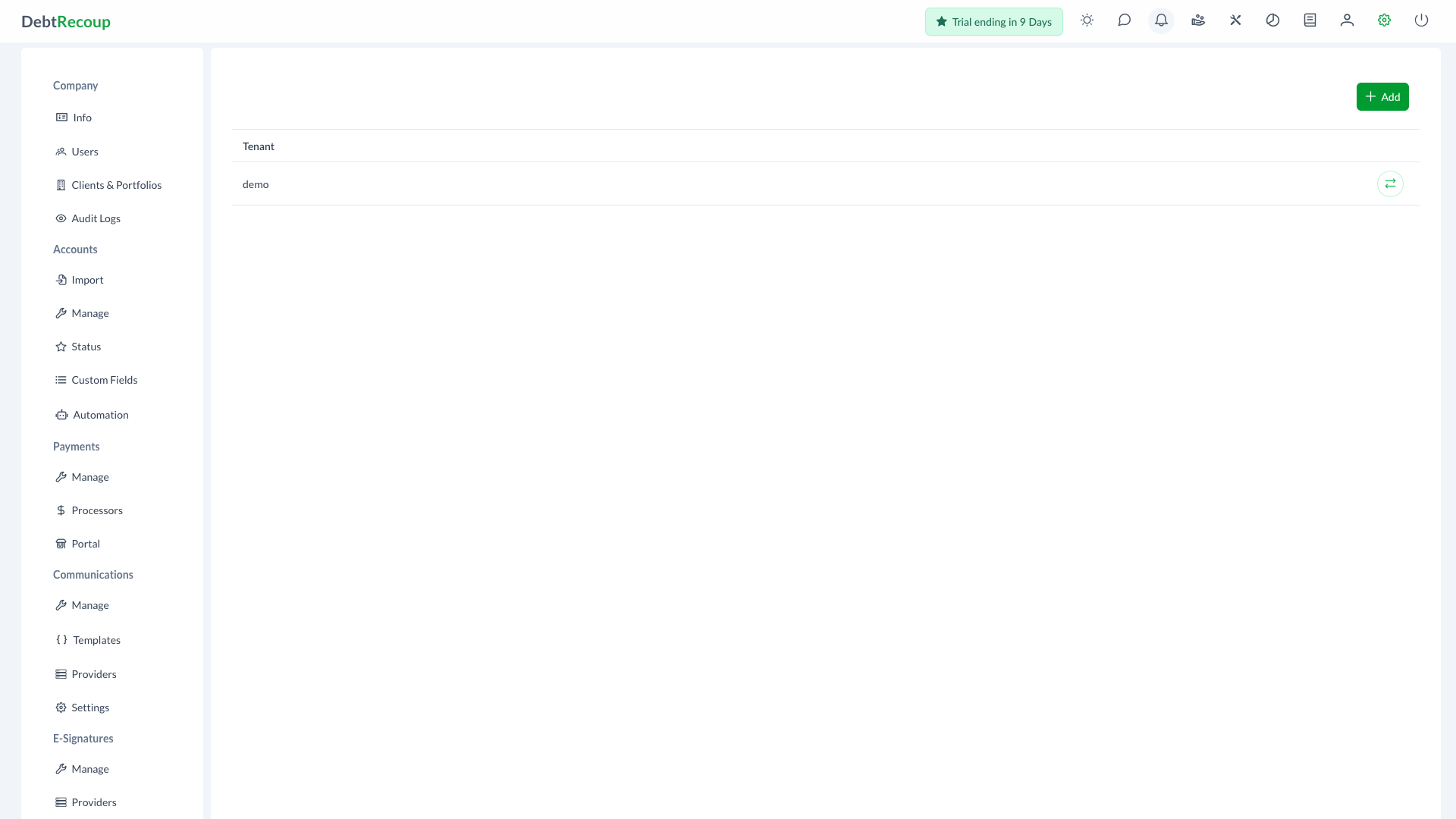
Tenant Management is a root-only administration page for creating tenants and switching into a tenant workspace.
Accessing Tenant Management
- Open Administration
- In the Tenants section, select Manage
The Tenants section is visible only to root users.
Tenant List
The tenant list shows each tenant by Tenant subdomain.
Use the transfer action to switch into a tenant. DebtRecoup redirects the browser to that tenant's URL.
Adding a Tenant
- Click Add
- Enter the tenant Subdomain
- Enter the tenant Name
- Click Save
The subdomain is the tenant identifier shown in the tenant list.
Related Topics
- Tenant Jobs - Monitor tenant background jobs
- Administration Overview - Administration access and sections