Collector Summary
Overview
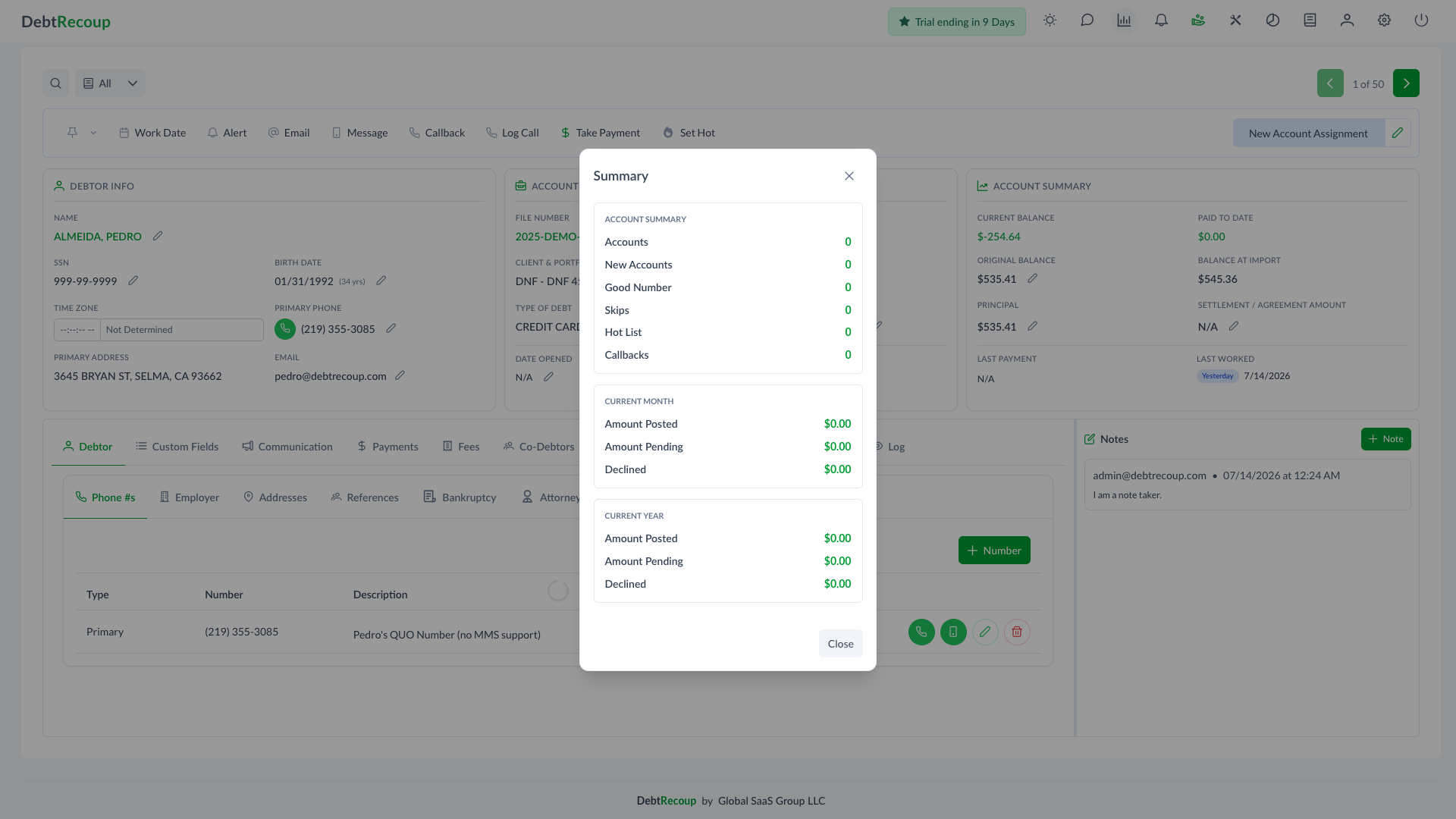
Collector Summary gives the signed-in collector a quick view of their assigned account counts and attributed payment activity from the Collecting workspace.
The summary is available from the top navigation only while you are on Collecting.
Opening Collector Summary
- Go to Collecting.
- Click Summary in the top navigation bar.
- Review the Summary dialog.
- Click Close when finished.
Account Summary
The Account Summary section counts accounts currently assigned to you.
| Row | Meaning |
|---|---|
| Accounts | Active, non-deleted accounts assigned to you |
| New Accounts | Assigned accounts in the company's configured new-account status |
| Good Number | Assigned accounts marked as a good number |
| Skips | Assigned accounts marked as skip accounts |
| Hot List | Assigned accounts on the hot list |
| Callbacks | Assigned accounts with a callback |
Payment Summary
The Current Month and Current Year sections show payment amounts attributed to you.
| Row | Meaning |
|---|---|
| Amount Posted | Posted payment attribution within the period |
| Amount Pending | Queued payment attribution with payment dates in the period |
| Declined | Declined payment attribution within the period |
The current month and current year are calculated using the company's current date and time zone.